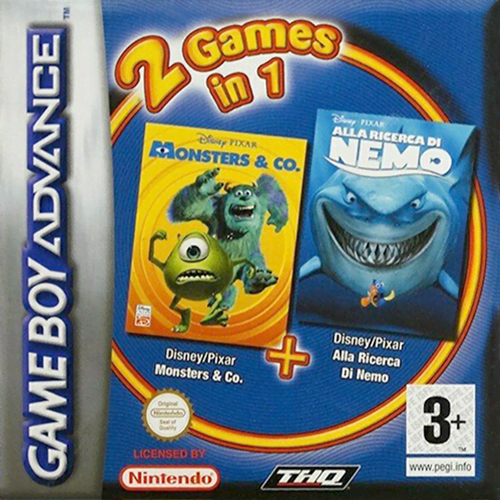
2 Games in 1 - Les Razmoket Rencontrent les Delajungle + SpongeBob SquarePants - SuperSponge
Authentic classic title running directly in your browser with 60 FPS WebAssembly emulation on Game Boy Advance.
Showing 136328 verified titles running at 60 FPS in WebAssembly.
Authentic classic title running directly in your browser with 60 FPS WebAssembly emulation on Game Boy Advance.
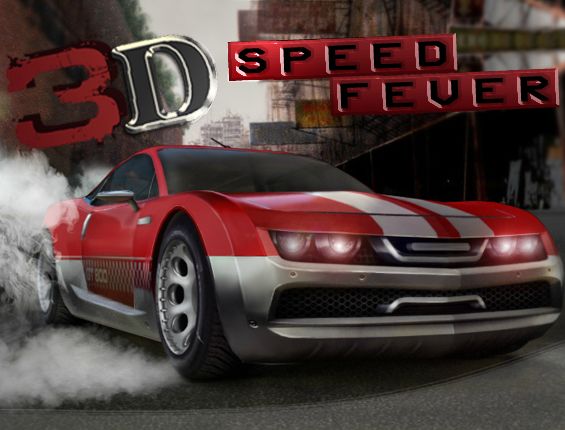
Are you ready for an exciting driving adventure? Check out our brand new 3D game and find out. Test your driving skills in the 10 difficult levels that we have prepared for you. In every level you are challenged to accomplish a mission like collecting coins and time bonuses, avoiding obstacles and cars or even crashing into them. Prove to the world that you are a professional driver and that these 13 missions are nothing but a piece of cake. Collect as many coins as you can (unless you aren't told otherwise) and use the money to buy upgrades for your car. This way you will definitely become king of the road. Good luck and enjoy!
Authentic classic title running directly in your browser with 60 FPS WebAssembly emulation on Game Boy Advance.
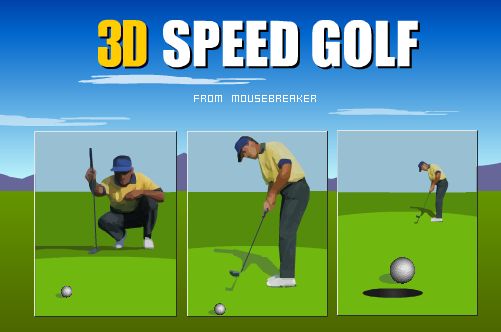
9 holes against the clock - Get at least par on each hole to continue - the faster you sink it the more points you get!
Authentic classic title running directly in your browser with 60 FPS WebAssembly emulation on Game Boy Advance.
Here the enhanced drawing API of Flash Player 10 is used to create a 3D spinning globe (earth). All of the 3D coordinates are generated dynamically at run time with a mapped graphic defined using UVT. The Matrix3D class is used to apply a rotation and Utils3D.projectVectors is used to convert 3D points into the 2D points that get drawn to the screen (as well as define T for bitmap distortion). Combine that with some objects in an IGraphicsData using culling to manage the 2 different sides of the globe and you get this. Press and hold the left mouse button and you will be able to see the geometry.
Authentic classic title running directly in your browser with 60 FPS WebAssembly emulation on Game Boy Advance.
Enjoy. :) Although the glow can look cool, it can maker it harder to see the shape, so if you set the line colour to black and glow strength to 0, you'll see all the details in the spiral. Some cool ones to try: Angle Increment: 90.05 Number of points: 1000 Radius: 160 Glow Strength: 2.5 Line Colour: White Glow Colour: Blue Angle Increment: 120.5 Number of points: 700 Radius: 100 Glow Strength: 10 Line Colour: Purple: 0xCC00FF Glow Colour: Blue: 0x0000FF Angle Increment: 89.5 Number of points: 500 Radius: 150 Glow Strength: 2 Line Colour: Black Glow Colour: Orange