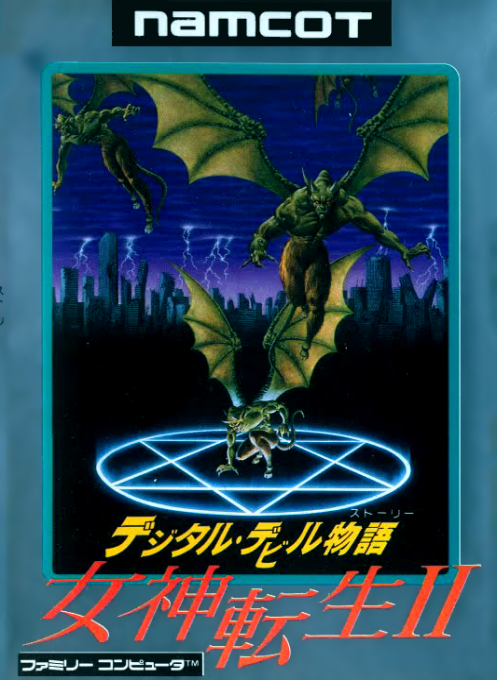
Digital Devil Story - Megami Tensei II
Authentic classic title running directly in your browser with 60 FPS WebAssembly emulation on NES (8-bit).
Showing 136328 verified titles running at 60 FPS in WebAssembly.
Authentic classic title running directly in your browser with 60 FPS WebAssembly emulation on NES (8-bit).
Age of Defense 4 is a mix between defense and strategy warfare game, unleash unit, destroy enemy defense and defend your base with ultimate weapons! Instructions: Move mouse to the edge of screen to scroll map or use LEFT/RIGHT and A/D. Click any unit's icons below to unleash units. Hold mouse to increase the throw power, then release it to throw a thrown object. Press mouse to shoot arrows and guns, when ammo empty, it will automatically reload. Press 1 to use primary weapon. Press 2 to use secondary weapon. Press Space Bar to cast special weapons. Click world to set background. When blue bar maximum. weapons will affect special effects: fire, poison, explode and light. Click Spell Button to use spell, each age own different spell. Press P or click menu to pause. See in-game instructions for further information. Uploaded Apr 25, 2011 6:47 AM EDT GenreAction - Shooter - Fixed Tags age defense shoot war
Authentic classic title running directly in your browser with 60 FPS WebAssembly emulation on Neo-Geo Arcade.
Classic web title preserved in WebAssembly. Developer: Belugerin Games.
Authentic classic title running directly in your browser with 60 FPS WebAssembly emulation on Neo-Geo Arcade.
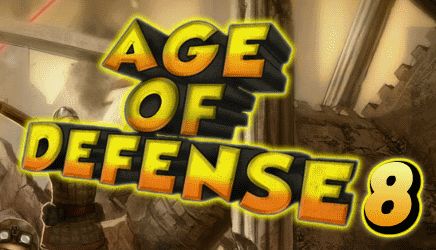
In Age of Defense 8 you have to get ready to fight off hordes of enemies to defend your base at all costs. Survive the waves from the stone age all the way into the future! You are a brave warrior with 3 types of weapons. You can throw objects, which give you hard control but high damage. You can shoot arrows with your bow, which gives you normal control, and low damage. You can also use a gun, which has easy control and medium damage, but takes a while to reload. To throw weapons, you move your mouse to the top of the screen if you want to throw high, center if you want to throw medium, and bottom if you want a low throw. The red bar indicates the throw power. Press and release your mouse to choose the throwing power.
Authentic classic title running directly in your browser with 60 FPS WebAssembly emulation on Game Boy.
Classic web title preserved in WebAssembly. Developer: Belugerin.