About Baby Lisi Park Party (Flash Games)
Baby Lisi Park Party is a classic release for Flash Games. Playable directly in your web browser without third-party plugins, this title runs at a locked 60 frames per second using client-side WebAssembly.
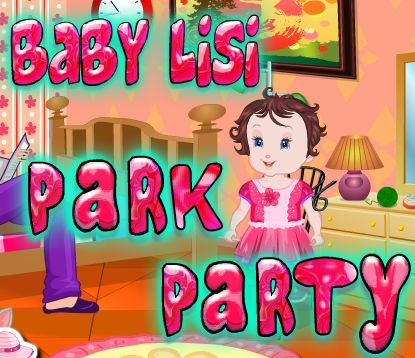
Baby Lisi Park Party Idea Baby Lisi is in the living room with her father. She is playing with her little kitty when a phone rings. It’s Lily, inviting Baby Lisi to go and play in the park with her friend John. Lisi Arranging Clothes and Toys Since Lisi wants to go in the park, she must arrange her clothes and toys on place. Be a good person and help her with that so afterwards Baby Lisi can have fun with her friends Lily and John in the park. Baby Lisi Park Party Now since Lisi, John and Lily are in the park you can play with them various games like playing on slides, playing with jumping ropes and playing with swings! Come and join them. Boat Ride with Lisi, john and Lily The children are so happy so they are having a walk. Baby Lisi is playing with flying kite but they all want to go on a boat ride! So, will you help their wish come true? Enjoy! Instructions: This Park Party is so incredible and the children are enjoying it for sure. What you have to do first is help Baby Lisi arrange her clothes and toys in the right place and then go in the park and play amazingly fun games! From swings, slides, jumping ropes to flying kites and boat rides is what is expecting Baby Lisi and her best friends. Join the Park Party!
Active Controller & Keyboard Bindings
Your custom bindings are saved automatically per console and work immediately inside the emulator.
| Console Input | Keyboard Key | Gamepad Button | In-Game Action | Edit |
|---|