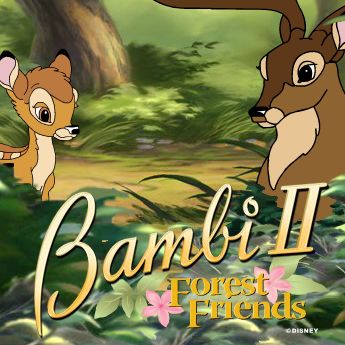
About Bambi II: Forest Friends (Flash Games)
Bambi II: Forest Friends is a classic release for Flash Games. Playable directly in your web browser without third-party plugins, this title runs at a locked 60 frames per second using client-side WebAssembly.
Welcome to the forest! Did you know that the forest is the house of many species of animals and plants? Today you have the chance to explore it with Bambi, the king of the woods. Bambi: Forest Friends game will make you realize how many animals do live there and how beautiful the forest life can be! Bambi learns about shadows, and he can teach you too how to find out who does the shadow belongs to. Let's find out more. How to play the game There are two different modes to play this game. You can choose between beginner and expert mode. In each way, you have to find ten animals and to associate them with their shadows. If you decide to play in the expert mode, you should know that every correct answer brings you one acorn. At the same time, the incorrect answers will take one acorn away from you. After you got all the ten acorns, you will receive an extra-special reward. Also, you should be aware of the fact that the expert mode can be tricky. The items you are looking for might be hiding, or there are also movable bushes, hollow logs, and other secret spots. Using your mouse move from one side to another, look up to the trees and down in the water for all type of animals. If you do not remember precisely the shadow, you can click on the left upper side, and you will see the form again. Try to find it in the shortest time. At the end of the game, you will be able to print a beautiful picture.
Active Controller & Keyboard Bindings
Your custom bindings are saved automatically per console and work immediately inside the emulator.
| Console Input | Keyboard Key | Gamepad Button | In-Game Action | Edit |
|---|