About Nana ~ After World (Flash Games)
Nana ~ After World is a classic release for Flash Games. Playable directly in your web browser without third-party plugins, this title runs at a locked 60 frames per second using client-side WebAssembly.
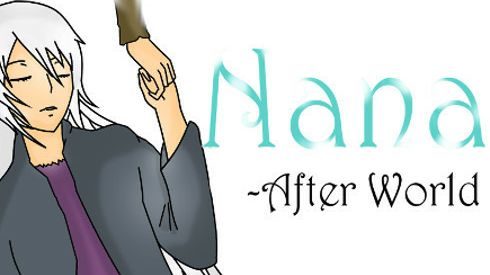
Follow Nana's story and discover what happened after the virus spread. Author Comments: Note: This is a Visual Novel, if you do not enjoy reading, you might not like this game. *Press S to continue reading* (You can download the game from here, http://www.mediafire.com/download/bevd7yrsi9s4af1/Nana++After+World.rar ) This game and "Aria ~ After world" are both sequels for the previous game "Remember Death". This one follows the story of Kotaro who decided to save Nana and go back to his original time. (I recommend playing "Aria ~ After World" before this one, because that one is about explaining what happened, why the virus spread, and how it did. Also how the group of friends met.) I said that I was going to add more gameplay to these games, but in the end I wasn't able to. Because making two games at the same time wasn't as easy and I thought, and adding gameplay didn't fit in. Some of the game's background were from the game Rewrite, because they really work well with the story. (Also the Familiars are inspired from that game also.) The music is either edited or original songs from Key visual arts and 07th expansion. I will say that I was maybe a little bit ambitious when I decided to make two games... I didn't really think it through, and struggled a bit on how the stories for both games are going to be... But I am happy with the end results, I think both games turned out alright, and I hope you guys like them ^^;; *I did go through both games many times to look for typos and mistakes, but if I missed some please tell me so that I can fix them ^^;)
Active Controller & Keyboard Bindings
Your custom bindings are saved automatically per console and work immediately inside the emulator.
| Console Input | Keyboard Key | Gamepad Button | In-Game Action | Edit |
|---|